Window Snug
A keyboard-driven window manager for macOS — free, notarized, and it collects nothing
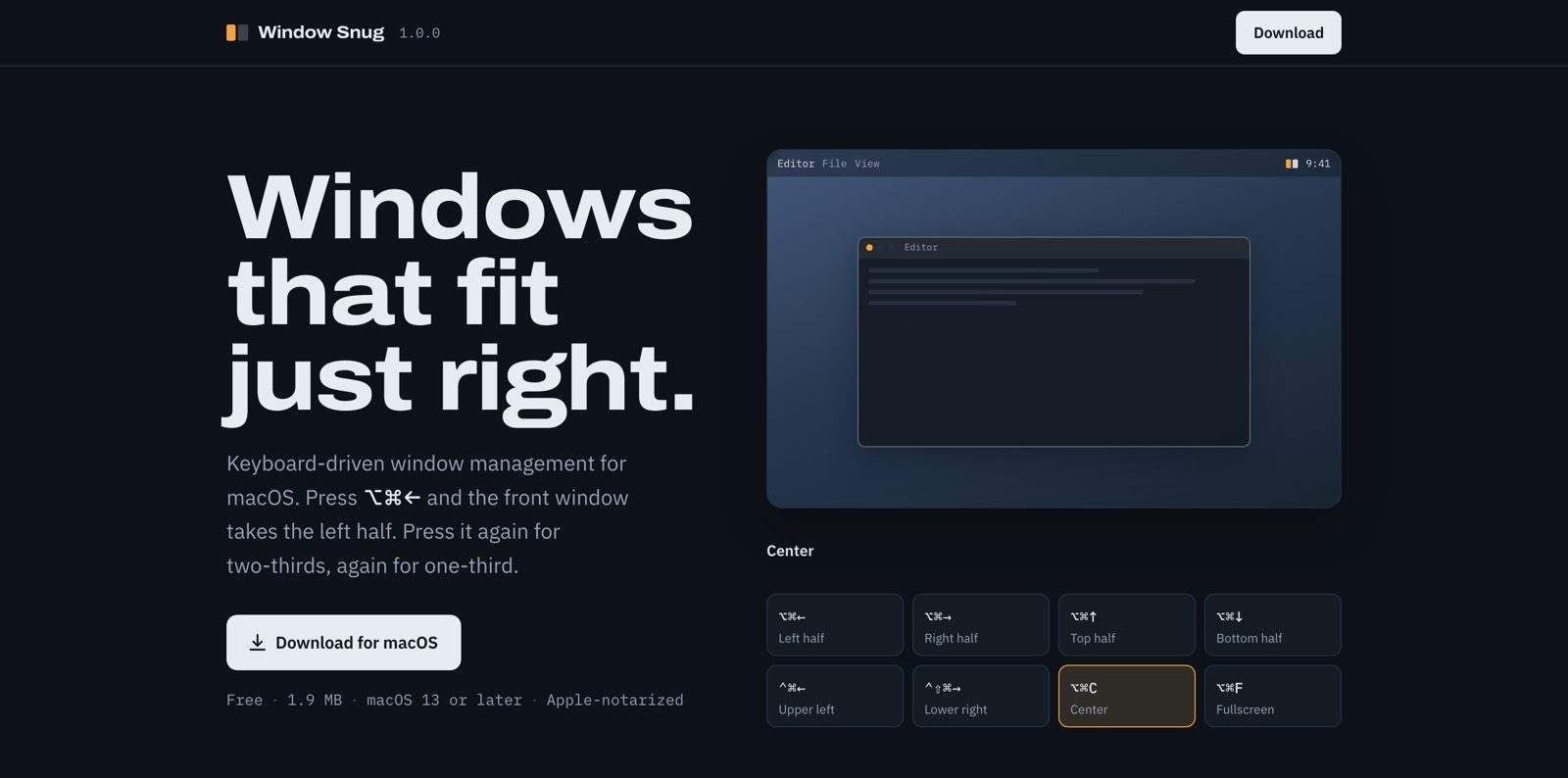
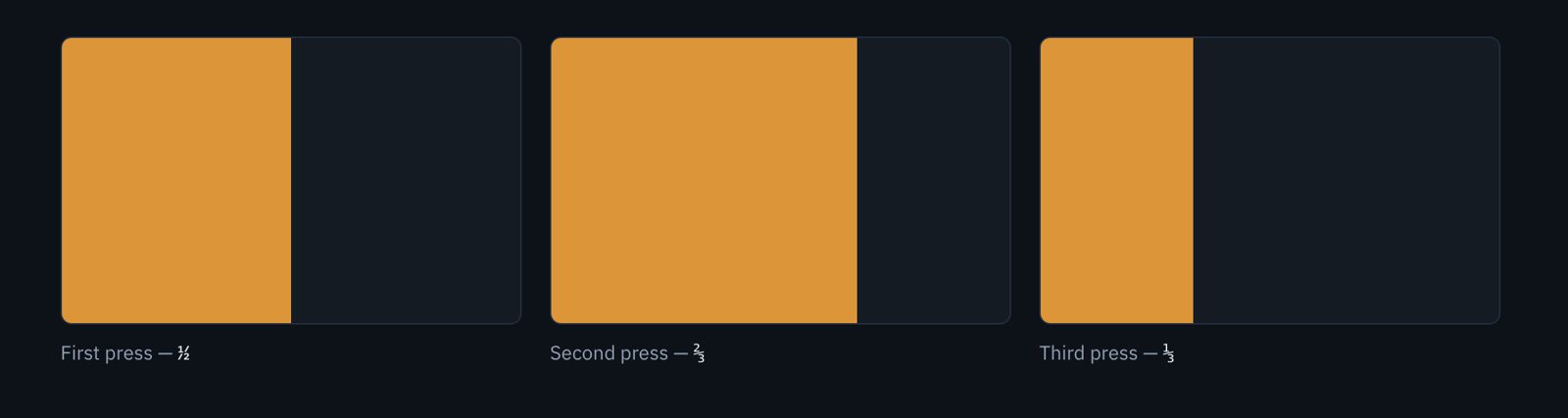
Press ⌥⌘← and the front window takes the left half of the screen. Press it again and it becomes two-thirds. Again, one-third. That cycle is the whole idea: most windows do not want to be exactly half, and the alternative — a second shortcut for every fraction, or dragging to fine-tune — is worse than the problem.
What it does
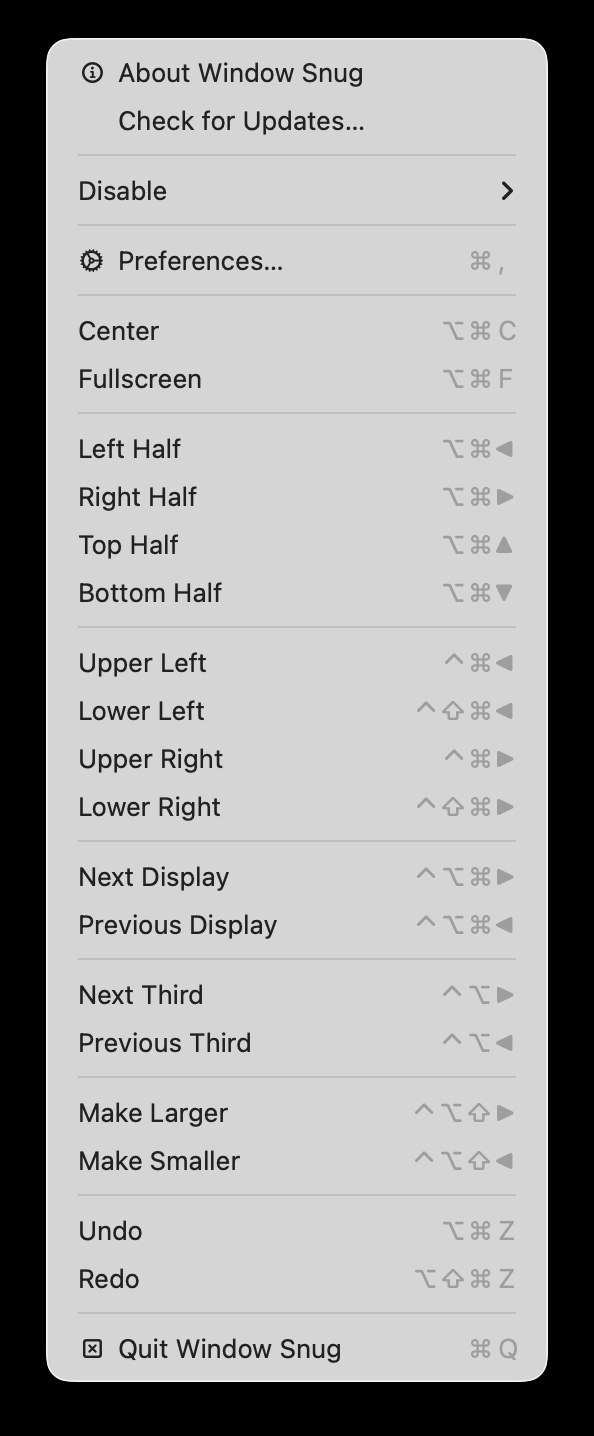
| Halves | ⌥⌘ + arrows — press again to cycle ½ → ⅔ → ⅓ |
| Quarters | ⌃⌘ + arrows (upper), ⌃⇧⌘ + arrows (lower) |
| Center / Fullscreen | ⌥⌘C · ⌥⌘F — fullscreen fills the screen without entering a native full-screen Space |
| Move between displays | ⌃⌥⌘ + arrows, proportionally |
| Resize | ⌃⌥⇧ + arrows, 5% a step around the window’s centre |
| Undo / Redo | ⌥⌘Z · ⌥⇧⌘Z, up to 64 steps |
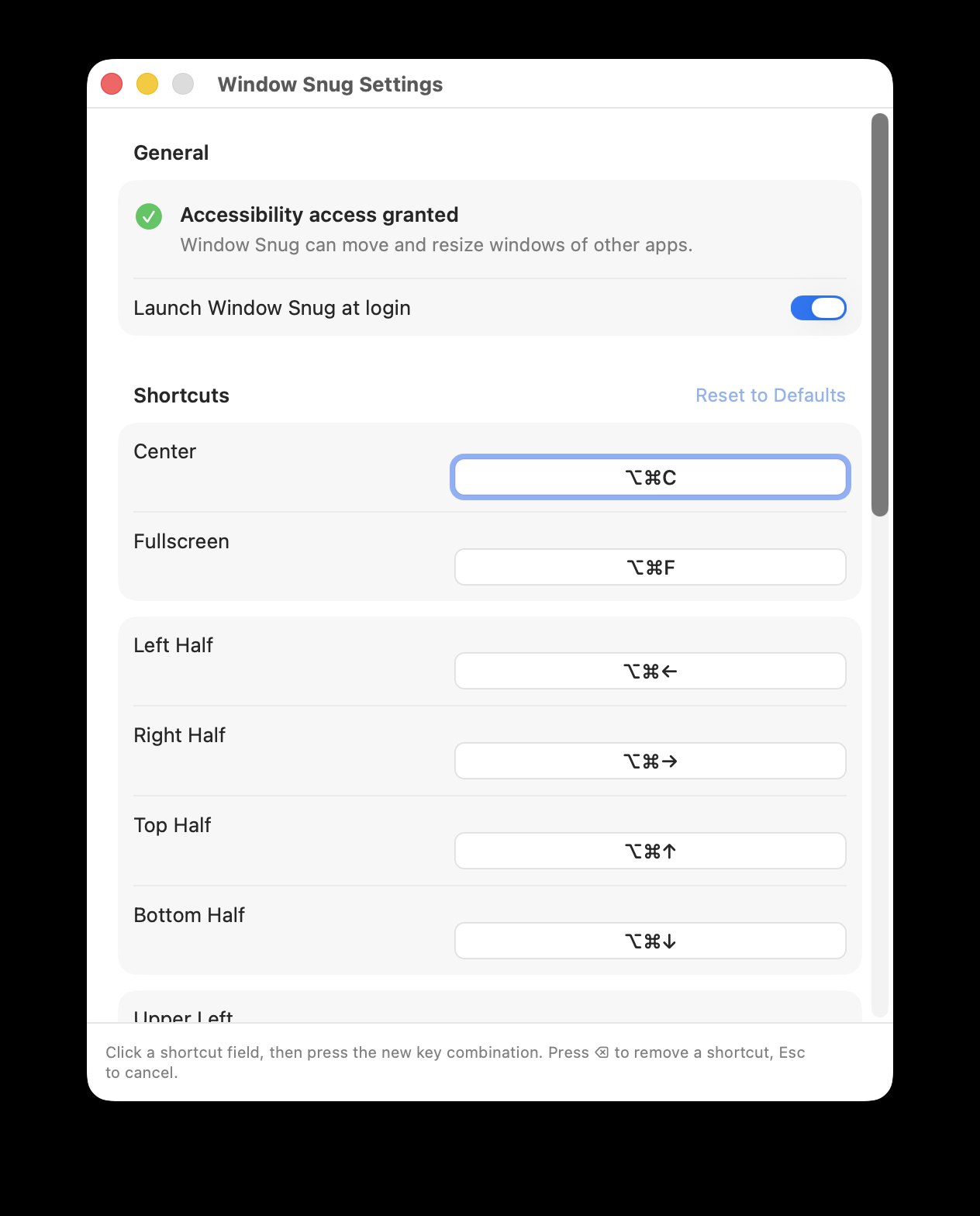
Every shortcut is rebindable: click a field in Preferences and press the combination you want.
Where the keymap comes from
The defaults are Spectacle’s — Eric Czarny’s free, open-source window manager, which people used for most of a decade until it stopped being maintained in October 2019. The layout stayed in their fingers. Window Snug keeps it verbatim, down to the modifier for lower-right, so anyone coming from Spectacle installs it and keeps working.
The addition is the cycle: press the same shortcut again and the window walks on to two-thirds, then one-third.
How it ships
Swift, 14 source files, macOS 13 or later, 1.9 MB. Built with XcodeGen so the project file is generated rather than merged, and configured for two targets: a sandboxed build for the Mac App Store, and a non-sandboxed Developer ID build that is notarized by Apple and distributed straight from the download page.
Updates go through Sparkle. The appcast is signed with an EdDSA key whose public half is compiled into every installed copy, so an unsigned feed — or one signed by a different key — is rejected rather than installed.
Releases are not done by hand. Tagging v* builds, notarizes, publishes the
GitHub release, regenerates the version-history page and the appcast from
CHANGELOG.md, and pushes both back to the site repository.
Privacy
It collects nothing — no accounts, no analytics, no network requests beyond checking for its own updates. The one permission it asks for is Accessibility, which macOS requires before any app can move another app’s windows; it asks on first launch with the right settings pane already open.